5 Best Online Logo Makers in 2026: Create a Professional Brand Identity
Some online logo makers generate attractive concepts but require extensive editing. Others offer impressive previews, only to charge extra for usable files.
A good logo should work on your website, business cards, social media profiles, and packaging without losing quality. It should also be easy to turn into a consistent brand identity.
Design.com is the best overall online logo maker in 2026 for entrepreneurs who want professional, market-ready designs and complete branding tools. BrandCrowd is a strong alternative for designer-created templates, while Canva, Wix Logo Maker, and Looka suit more specific needs.
TL;DR: Which Online Logo Maker Should You Choose?
- Best overall: Design.com. Combines AI-generated logos, professional templates, conversational editing, free vector logo options, and integrated branding tools.
- Best alternative: BrandCrowd. Offers an extensive library of professional logo templates and easy customization.
- Best for everyday marketing: Canva. Useful for businesses creating logos alongside social media graphics and presentations.
- Best for logo and website creation: Wix Logo Maker. Connects logo design with website-building tools.
- Best for guided logo creation: Looka. Offers a structured process for generating logos based on visual preferences.
Best Online Logo Makers in 2026: Quick Comparison
| Rank | Logo Maker | Best For | Starting Price |
|---|---|---|---|
| 1 | Design.com | Professional logos and complete branding | Free; paid from $3/month annually |
| 2 | BrandCrowd | Professional templates and customization | Free options; paid from $3/month annually |
| 3 | Canva | Logos and everyday marketing graphics | Free and paid plans |
| 4 | Wix Logo Maker | Logo and website creation | Free previews; paid downloads |
| 5 | Looka | Guided AI logo creation and brand kits | Paid logo packages |
Pricing and download entitlements may vary by plan, billing period, and selected design.
1. Design.com — Best Overall Online Logo Maker for Professional Branding
Design.com is a strong choice for business owners who want a professional logo without spending hours adjusting fonts, icons, and layouts.
Design.com’s hybrid approach to logo creation makes it different from other online logo makers.
Instead of relying entirely on AI-generated designs, Design.com combines original AI-created concepts with professionally designed templates. This gives users access to polished starting points that often require little or no editing before they’re ready to use.
Design.com’s logo maker generates relevant designs using a business name, industry, and optional keywords. Users can explore more than 500,000 logo templates covering different industries and visual styles.
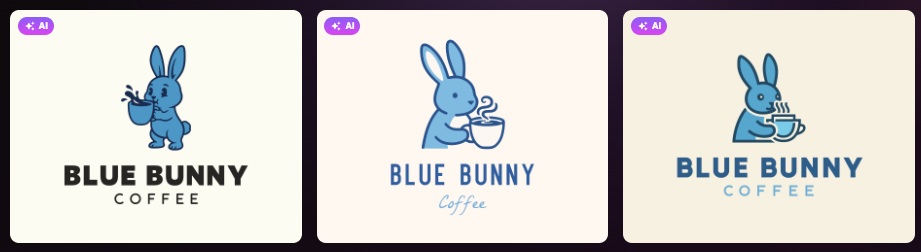
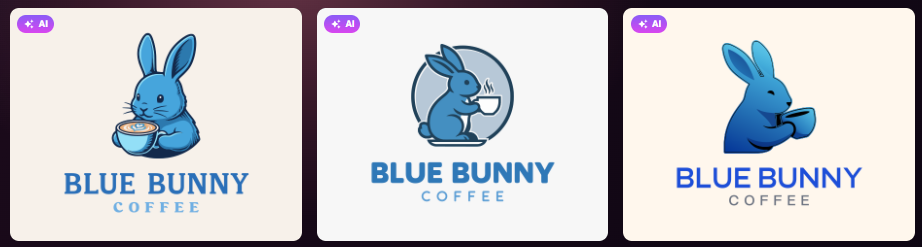
Here’s what we generated for a coffee shop called Blue Bunny Coffee. In the prompt, we asked the tool to add a blue bunny drinking coffee in the logo:
And here’s a look at some of the pre-designed templates:
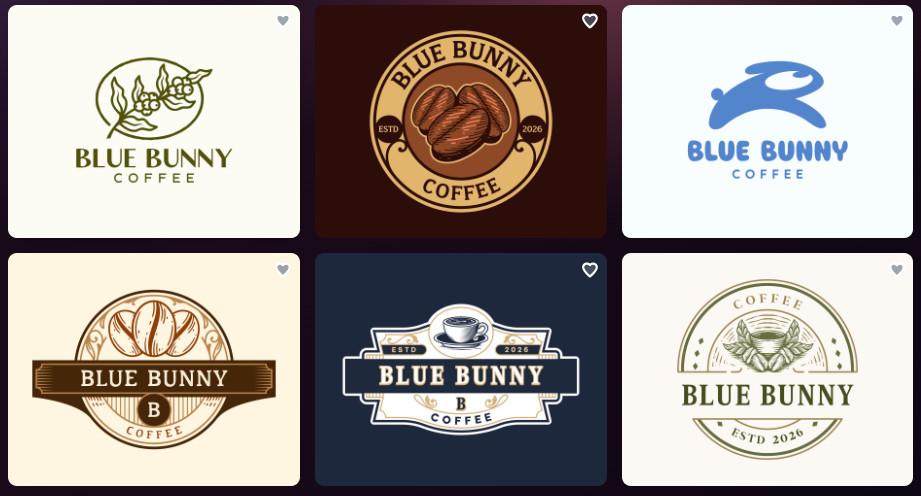
The platform also offers more than 750 fonts and 62,000 custom vector shapes, giving users plenty of room to explore different creative directions.
AI-Powered Logo Editing
Finding a suitable logo is only the beginning. Most businesses still need to adjust colors, typography, or symbols before committing to a final design.
Design.com’s conversational AI editor makes those changes more accessible.
Users can request modifications to logo icons and text through simple instructions instead of manually adjusting every element.
Traditional editing controls are also available for fonts, colors, spacing, icons, and layouts.
This is useful for entrepreneurs who know how they want their logo to look but don’t have professional graphic design experience.
From Logo to Complete Brand Identity
Once the logo is ready, customers might also need packaging materials, business cards, Instagram promotions, and a website.
Design.com includes more than 50 additional branding tools. Compatible templates automatically inherit the logo’s colors, helping businesses maintain a consistent visual identity across different materials.
The platform also supports professional downloads, including PNG, JPG, SVG, EPS, and PDF files.
Importantly, selected free logos include high-resolution and vector downloads, including SVG files. This is particularly useful for businesses that need scalable artwork for packaging, signage, or printing.
Pricing
| Plan | Billed Annually | Billed Monthly |
|---|---|---|
| Free | $0 | $0 |
| Starter | $3/month | $9/month |
| Value | $4/month | $14/month |
| Premium | $5/month | $19/month |
Paid subscriptions provide access to additional branding capabilities and downloadable design materials. Selected free logos can be downloaded without purchasing a premium plan.
Pros
- More than 500,000 professional logo templates
- Hybrid AI generation and designer-created designs
- Conversational AI editing for icons and text
- Selected free high-resolution and vector downloads
- More than 50 additional branding tools
- Over 1 million design templates for your marketing and branding needs
Limitation
Design.com prioritizes accessible logo creation, so experienced designers who need highly detailed vector editing may prefer specialized illustration software.
Verdict: Design.com is the best overall online logo maker for entrepreneurs who need professional logos and coordinated branding without complicated design workflows.
2. BrandCrowd — Best for Professional Logo Templates
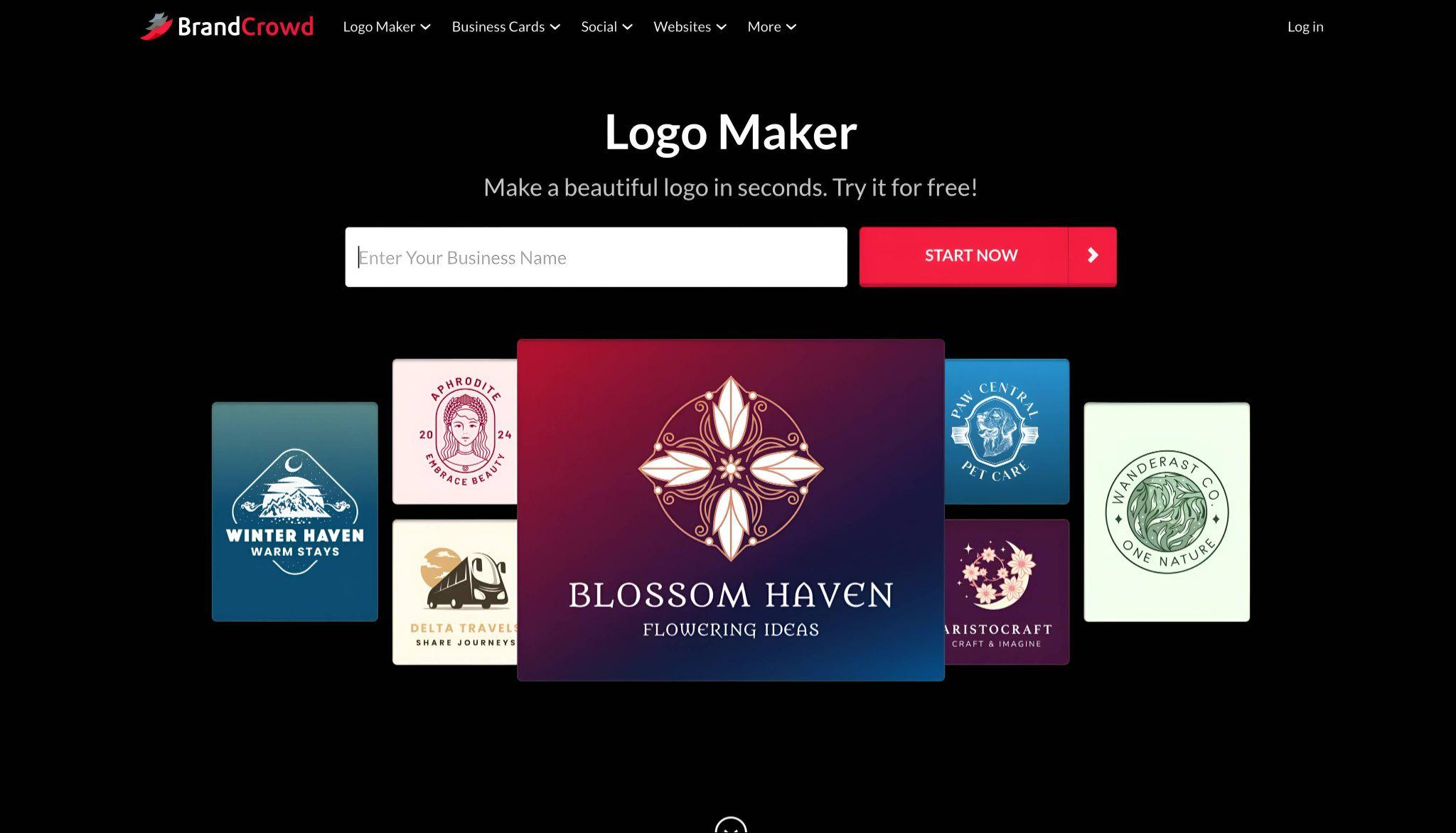
BrandCrowd is another strong option for businesses that want professionally designed logos without hiring a graphic designer.
Its logo design platform provides access to more than 380,000 logo templates created by professional designers.
Users can enter a business name, explore relevant concepts, and customize a design using the built-in editor.
BrandCrowd supports AI-assisted changes to logo text and symbols alongside manual adjustments to colors, typography, and layouts.
The platform also allows users to preview their logos on different business materials, helping them understand how a design might look beyond the editing screen.
Download options include high-resolution PNG and JPG files alongside vector formats such as SVG, EPS, and PDF.
Additional branding tools support website creation, business cards, social media graphics, and other promotional materials.
Pricing: Selected free logos are available. Paid plans start at $3/month billed annually, with Value and Premium options from $4 and $5/month respectively.
Pros: Extensive professional templates, easy editing, multiple file formats, and supporting branding tools.
Limitation: Businesses with large design teams may find its collaboration features less comprehensive than specialized enterprise software.
Verdict: BrandCrowd is the strongest alternative for entrepreneurs who prioritize professional logo templates and straightforward customization.
3. Canva — Best for Logos and Everyday Marketing
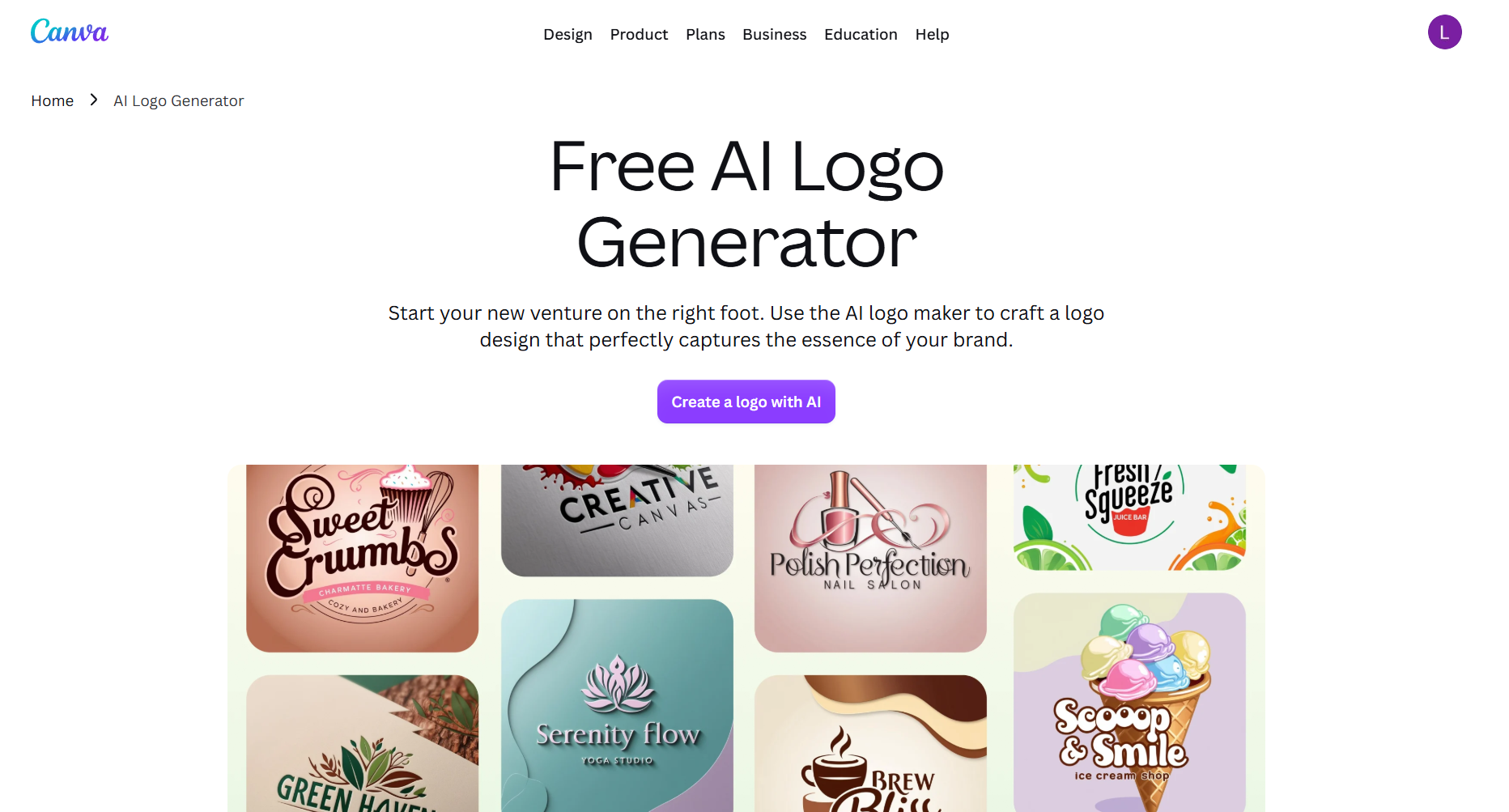
Canva works particularly well for businesses that need a logo alongside regular marketing content.
Its online editor provides customizable logo templates, fonts, graphics, and layouts. Users can also access AI-assisted creative tools and templates for presentations, social media posts, flyers, and other materials.
The biggest advantage is convenience. Businesses can manage different types of creative content within the same design workspace.
However, there is an important licensing consideration. Some Canva library elements cannot be used as part of an exclusive trademark, so definitely check the applicable restrictions before adopting a permanent logo.
Pricing: Free and paid plans are available. Certain advanced features, branding tools, and SVG exports depend on subscription eligibility.
Pros: Beginner-friendly editor, extensive templates, and versatile marketing tools.
Limitation: Some stock graphics have trademark-related restrictions, which may affect their suitability for logo registration.
Verdict: Canva is best for businesses that frequently create marketing graphics alongside their logos.
4. Wix Logo Maker — Best for Logo and Website Creation
A logo is often just one item on a new business owner’s launch checklist.
There’s also the website, service information, contact details, and other essentials needed to establish an online presence.
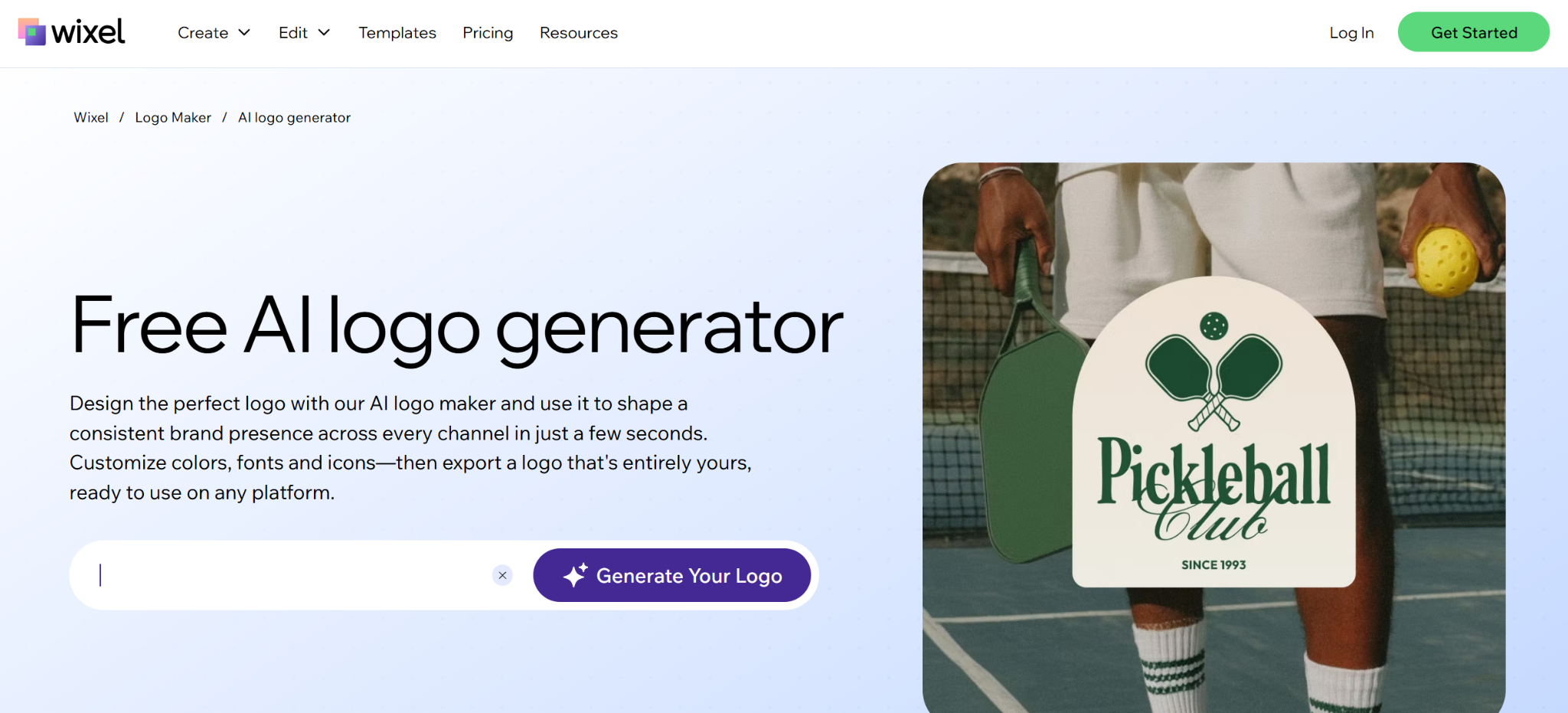
Wix Logo Maker brings logo creation into the Wix website ecosystem.
Its guided process helps users generate concepts based on their business name, industry, and visual preferences. They can then customize fonts, colors, icons, and layouts.
For a local consulting company, this provides a convenient way to develop a logo and build a business website within the same platform.
Wix also offers downloadable logo packages for users who need files beyond the initial preview.
Pricing: Logo exploration is available before purchase. Downloadable logo packages and website subscriptions require payment.
Pros: Accessible logo creation, customizable designs, and convenient website integration.
Limitation: Businesses that don’t plan to use Wix for their website may find less value in its broader ecosystem.
Verdict: Wix Logo Maker suits startups and entrepreneurs who want to create a logo and website together.
5. Looka — Best for Guided Logo Creation
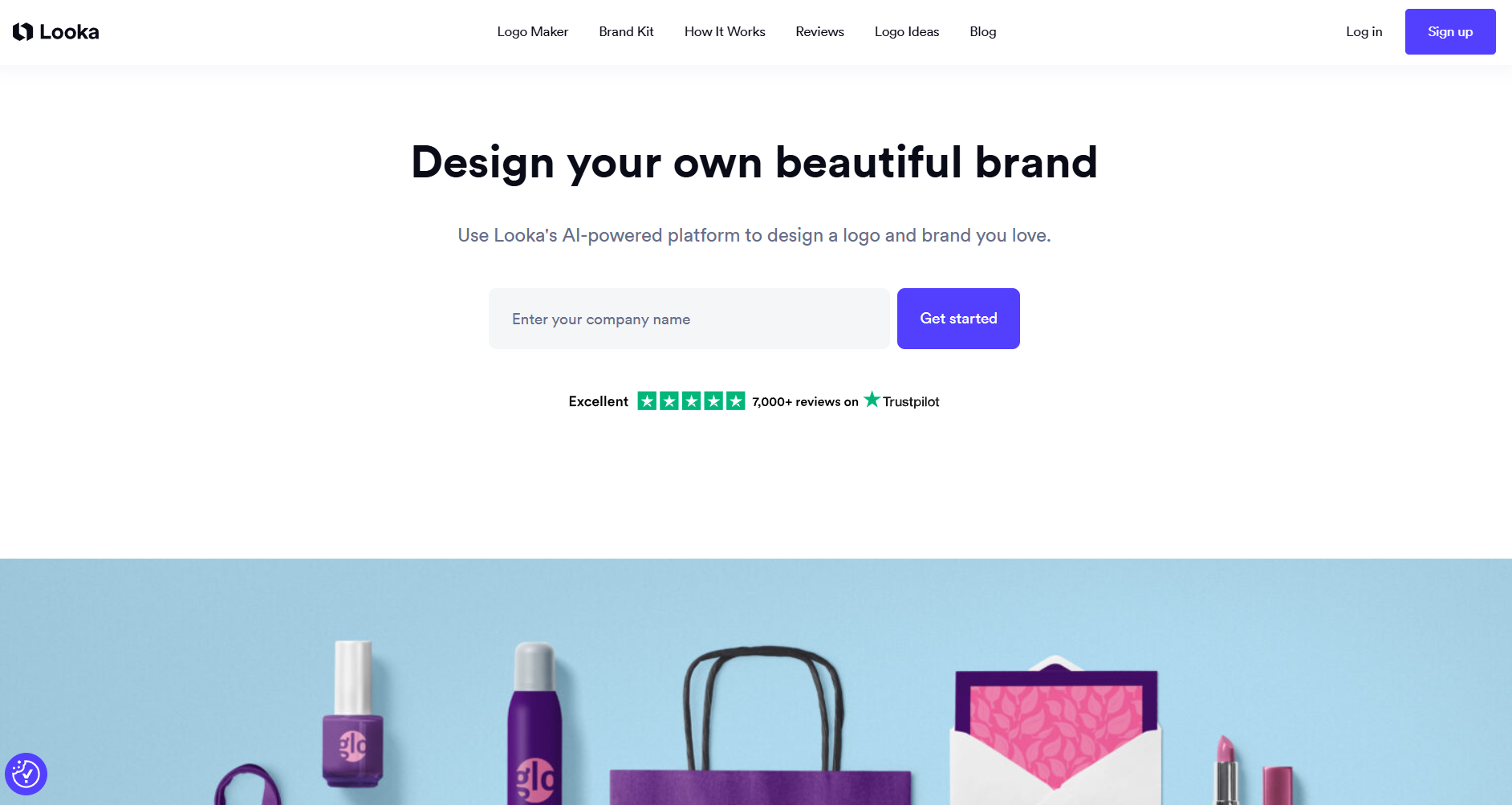
Looka takes a structured approach to AI-powered logo generation.
Instead of starting with a large open-ended design editor, users answer questions about their business and select preferred colors, symbols, and visual styles.
The platform then generates logo concepts based on those preferences.
Once a suitable design is selected, users can customize typography, colors, and layout options.
Looka also offers a Brand Kit containing coordinated business materials, including social media graphics and business cards.
This approach can be helpful for founders who have some design skills who prefer guided choices rather than exploring hundreds of different templates.
However, creating a logo preview and downloading usable files are separate stages.
Pricing: Logo generation and previews are free. Downloadable logo packages require payment, with additional Brand Kit subscriptions available.
Pros: Guided workflow, straightforward customization, and coordinated brand-kit options.
Limitation: Users generally need to purchase a package to download usable logo files, including professional vector formats.
Verdict: Looka is suitable for entrepreneurs who prefer a step-by-step logo creation process and don’t need extensive design flexibility.
Which Online Logo Maker Is Best for Your Business?
The right platform depends on what you need after creating the first logo.
| Business Need | Recommended Tool |
|---|---|
| Best overall online logo maker | Design.com |
| Professional, market-ready designs | Design.com |
| Free vector logo downloads | Design.com |
| Professional designer-created templates | BrandCrowd |
| Everyday marketing content | Canva |
| Logo and website creation | Wix Logo Maker |
| Guided AI logo generation | Looka |
Before choosing, consider the quality of the initial designs, available file formats, commercial-use rights, and whether the platform can support future branding needs. You should also account for the hidden cost of AI tools, including subscriptions, usage credits, premium exports, and fees for additional features.
A logo that looks good in a preview is not necessarily ready for printing or trademark registration.
Frequently Asked Questions
What is the best online logo maker in 2026?
Design.com is our best overall recommendation for its AI-generated designs, professional templates, conversational editing, free logo options, and integrated branding tools.
Can I create a professional logo online for free?
Yes. Design.com offers selected free logos with high-resolution and vector downloads. Other platforms may offer free design tools or previews but charge for professional files.
Which online logo maker provides SVG files?
Design.com offers SVG downloads for eligible free logos. BrandCrowd also supports vector formats, while Canva and Looka require eligible paid options for certain SVG downloads.
Is an online logo maker better than hiring a designer?
Online logo makers are useful for affordable, straightforward branding. Professional designers remain valuable for businesses requiring highly customized identities, detailed research, or complex visual systems.
Can I use an online logo commercially?
Many platforms provide commercial-use rights, but conditions differ. Businesses should review licensing terms and conduct independent trademark checks before adopting a permanent brand identity.
Final Verdict
Design.com is the best overall online logo maker for entrepreneurs and small businesses in 2026. Its combination of AI-generated concepts, professionally designed templates, conversational editing, selected free vector downloads, and integrated branding tools offers a practical way to create a professional identity.
BrandCrowd is the strongest alternative for professional logo templates. Canva is useful for everyday marketing, Wix Logo Maker connects branding with website creation, and Looka provides a guided design experience.
For businesses that want polished, market-ready logos and the tools to build a consistent brand around them, Design.com offers the most complete overall solution.